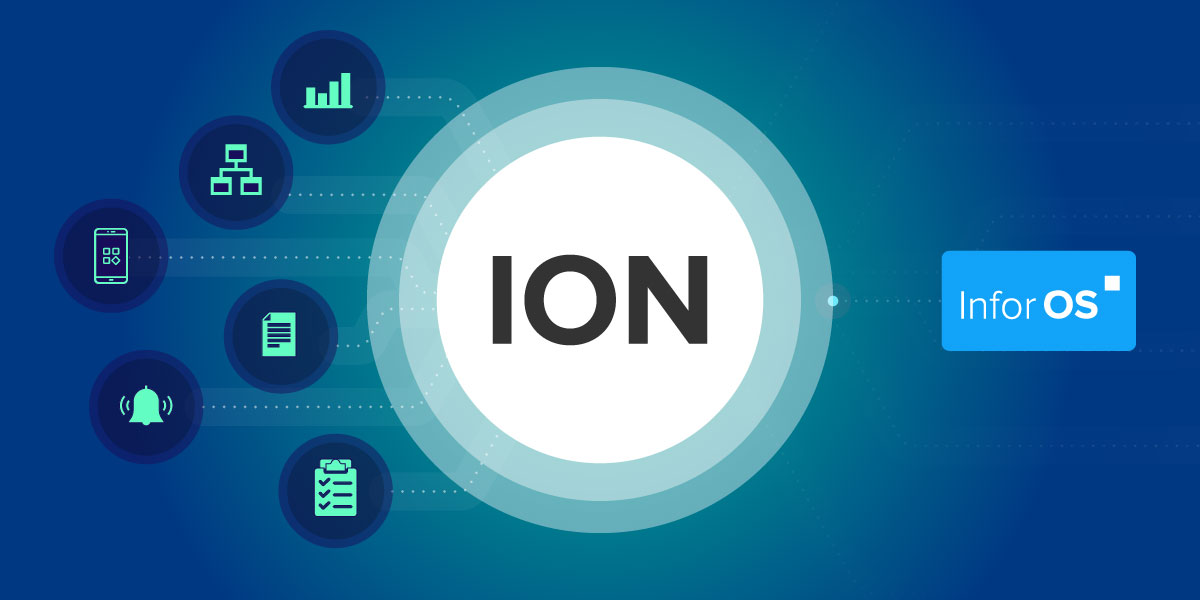
ION Event Management can watch the execution of business workflows and proactively alert incidents or exceptions that need human interaction.
This means that while connecting various business applications under the hood, ION can route tasks and information to you, rather than you being expected to find it yourself.
ION can monitor multiple business event types:
- Changes made to BODs (Business Object Documents)
E.g., a new sales order in the form of a Sync.SalesOrder document
- Occurrence of multiple events
E.g., a sales order and its related shipment
- Non-occurrence of events
E.g., an invoice has never been sent
The Infor ION suite of components includes:
ION Desk
Browser-based user-friendly graphical interface for configuring and monitoring ION services
ION Connect
Establish connections between Infor and third-party applications
ION Process
- ION Event Management
Monitor business events and alert when user interaction is required
ION Workflow
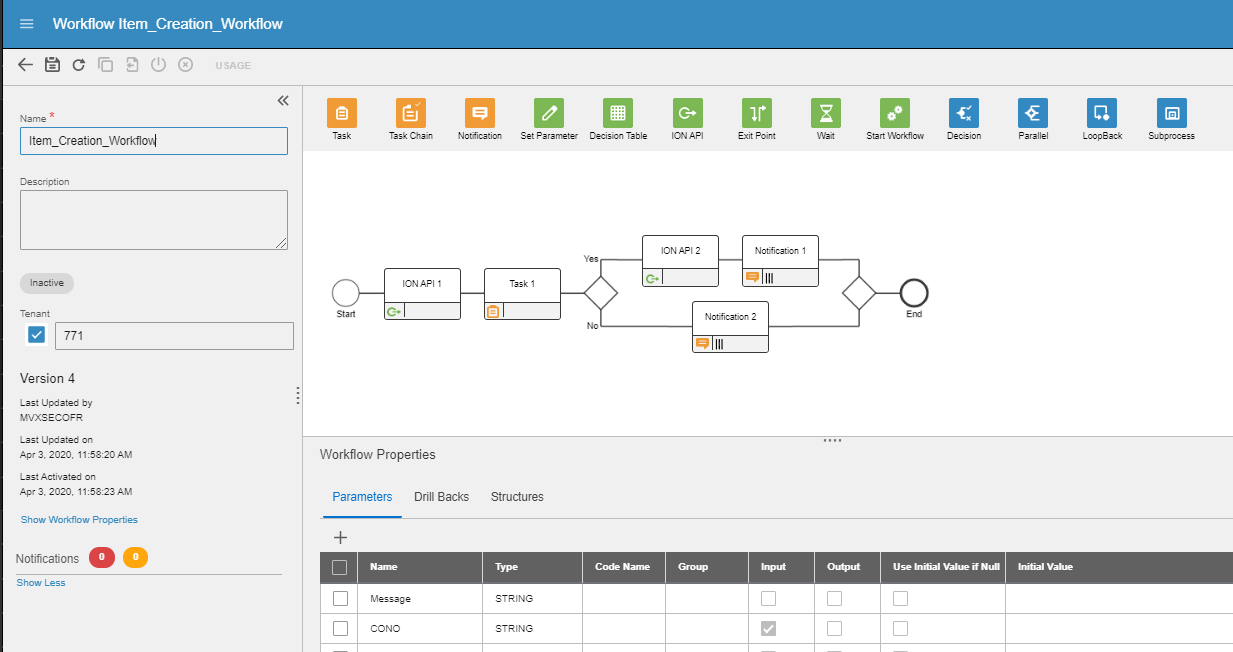
Model and execute processes such as work distribution, authorizations, or task-driven workflows across several components
ION Pulse
Ensure tasks for a particular event are communicated and executed by different users
ION Service
Connects Infor and third-party systems and runs Workflows and Event Management modules
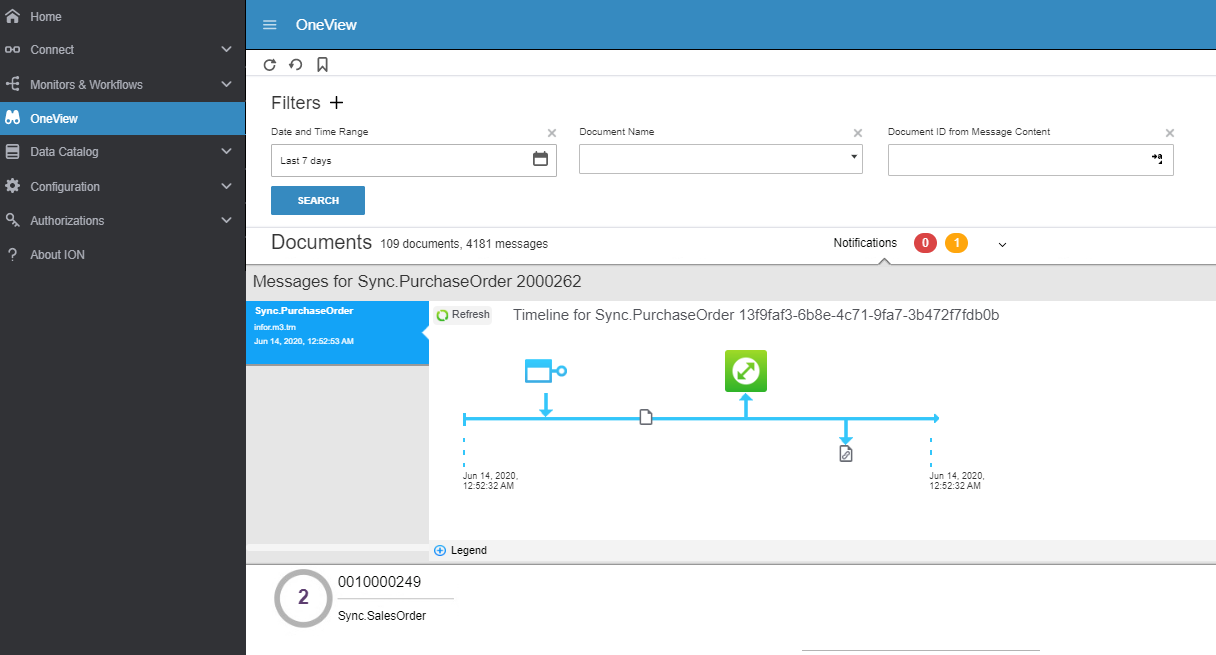
Figure 1: Timeline view of a purchase order BOD in ION OneView
In addition to the standard BODs pre-built in ION, you can develop custom BODs that facilitates the unique requirements of your business.
Even third-party non-Infor applications that are enabled to work with ION Connect can use ION Event Management.
To track the status of a BOD, you can go to ION’s OneView interface and see a graphical representation of the BOD message trip and all components triggered by the BOD, from the beginning to the end.
If a process needs human interaction, ION Event Management can notify the relevant users with a call-to-action via Infor Ming.le (an internal social hub) web or mobile app, and email.